D5 마스터 [NEW]
starstarstarstarstar
5.0 (5 reviews)
렌더링신규BeginnerIntermediate

D5 마스터 [NEW]

  • 82 students enrolled
  • Course materials included
  • 31 lessons, 5 hr 12 min total
  • 1 parts · Available separately
  • Start within 1 year · 60 days of access

This course is not available in this language.

View in Korean
D5 마스터 [NEW] course introduction thumbnail
Course overview

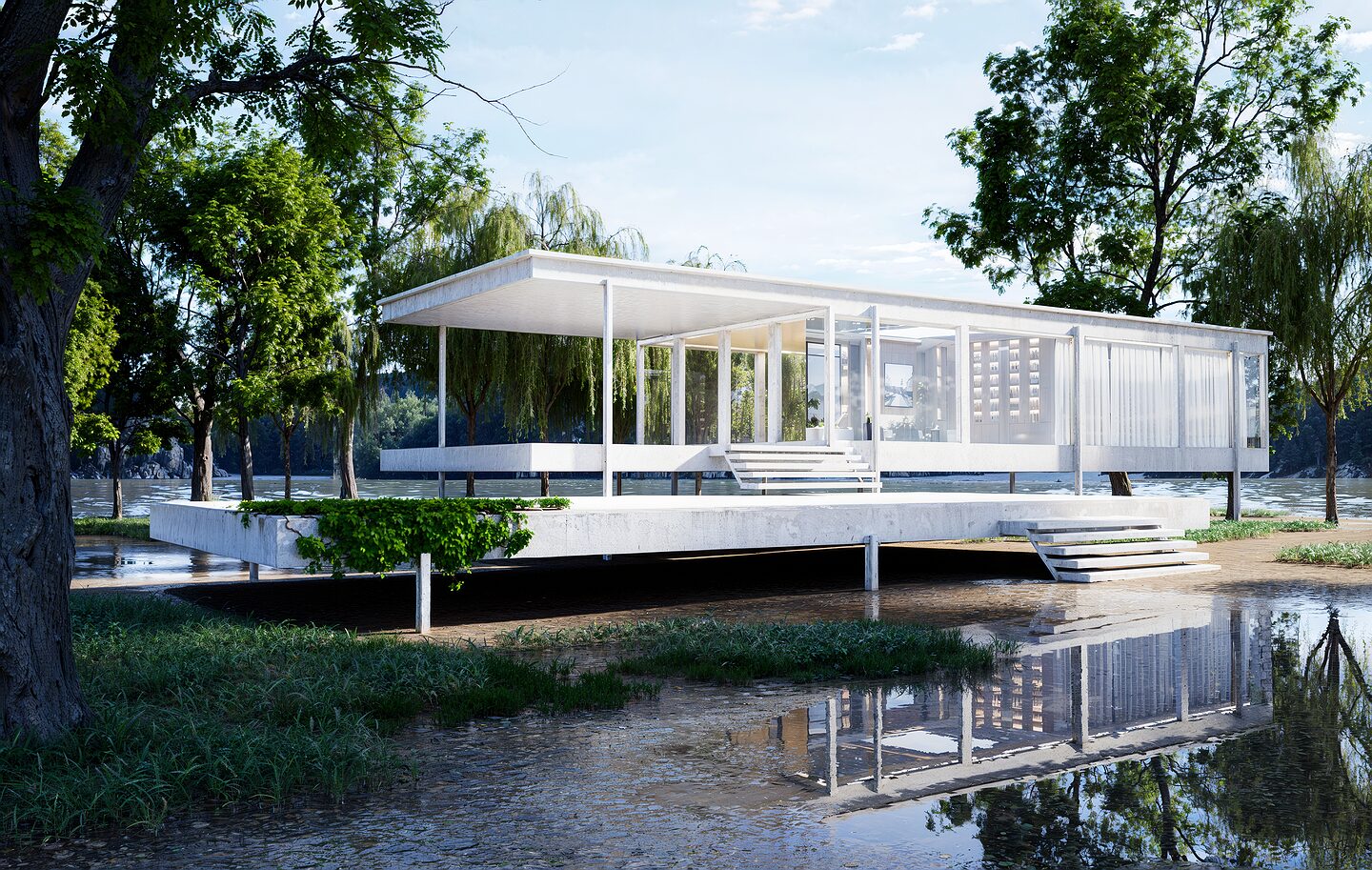
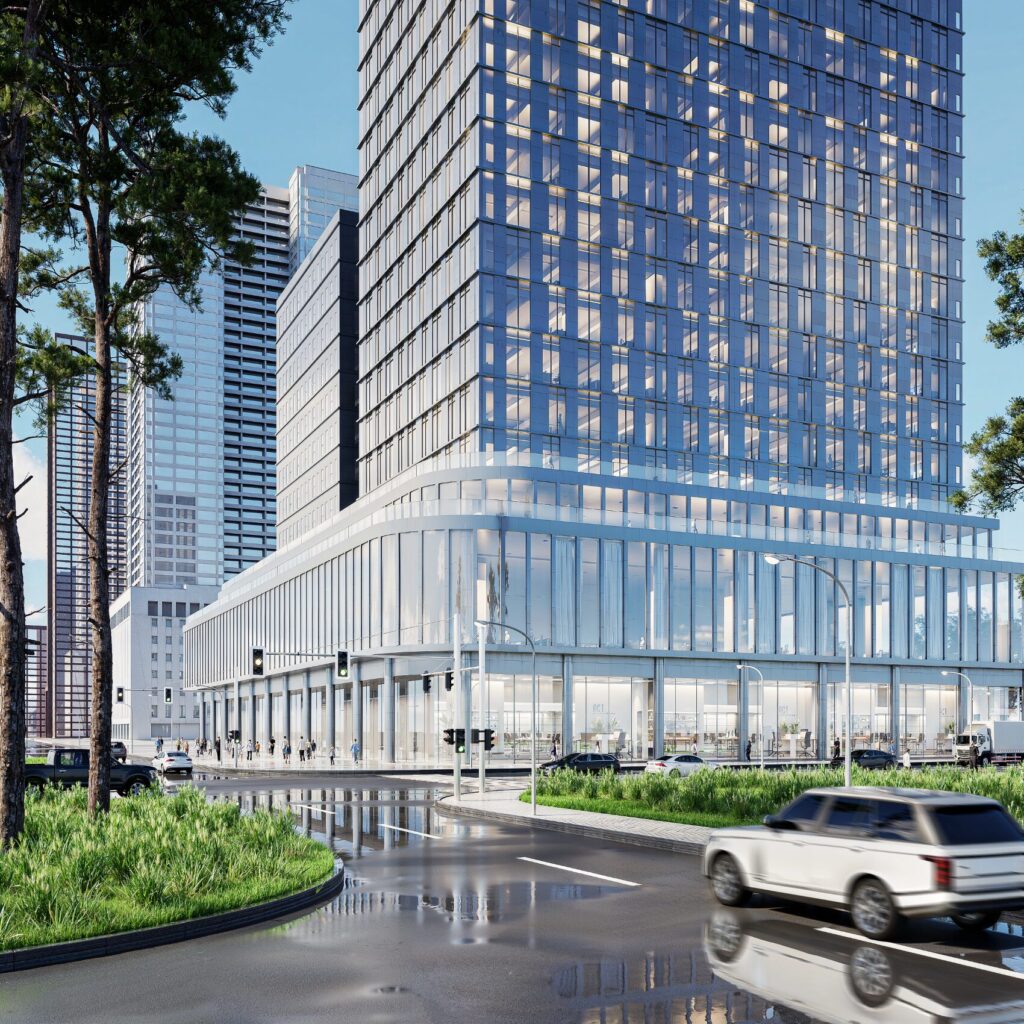
이 강의는 단순한 기능 설명이 아니라, 모델링을 완성도 있는 이미지로 만드는 전체 과정을 다룹니다

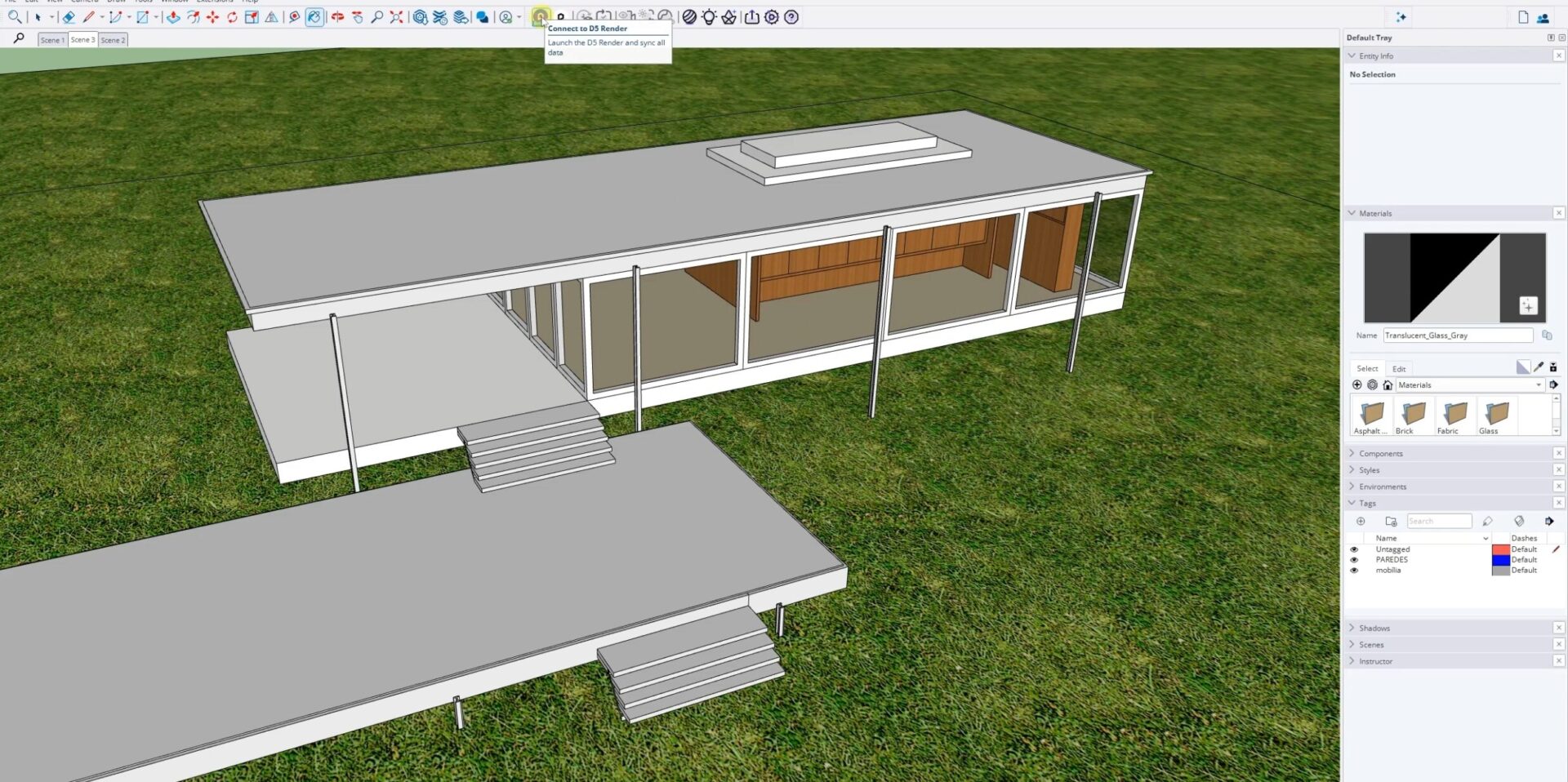
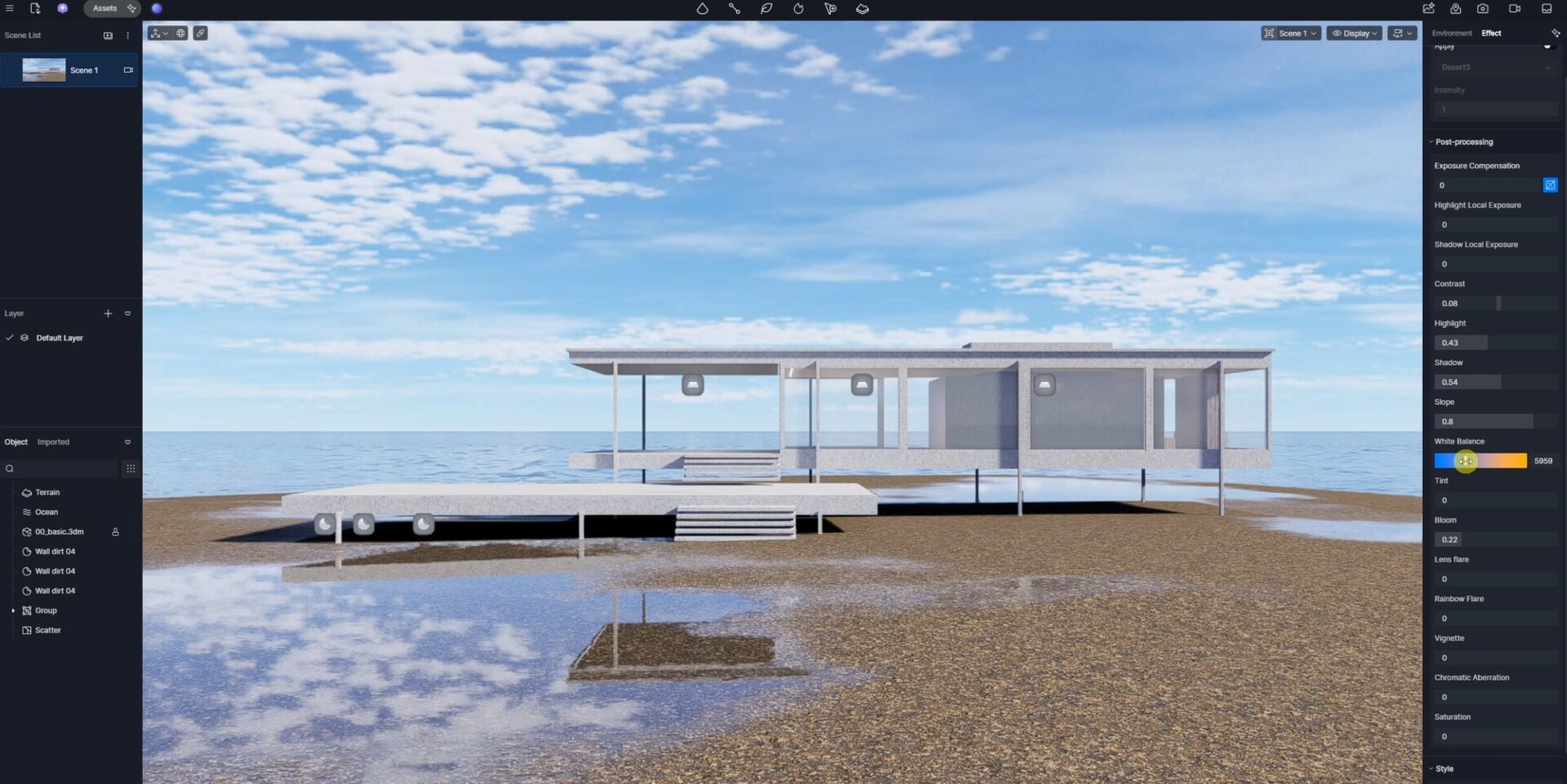
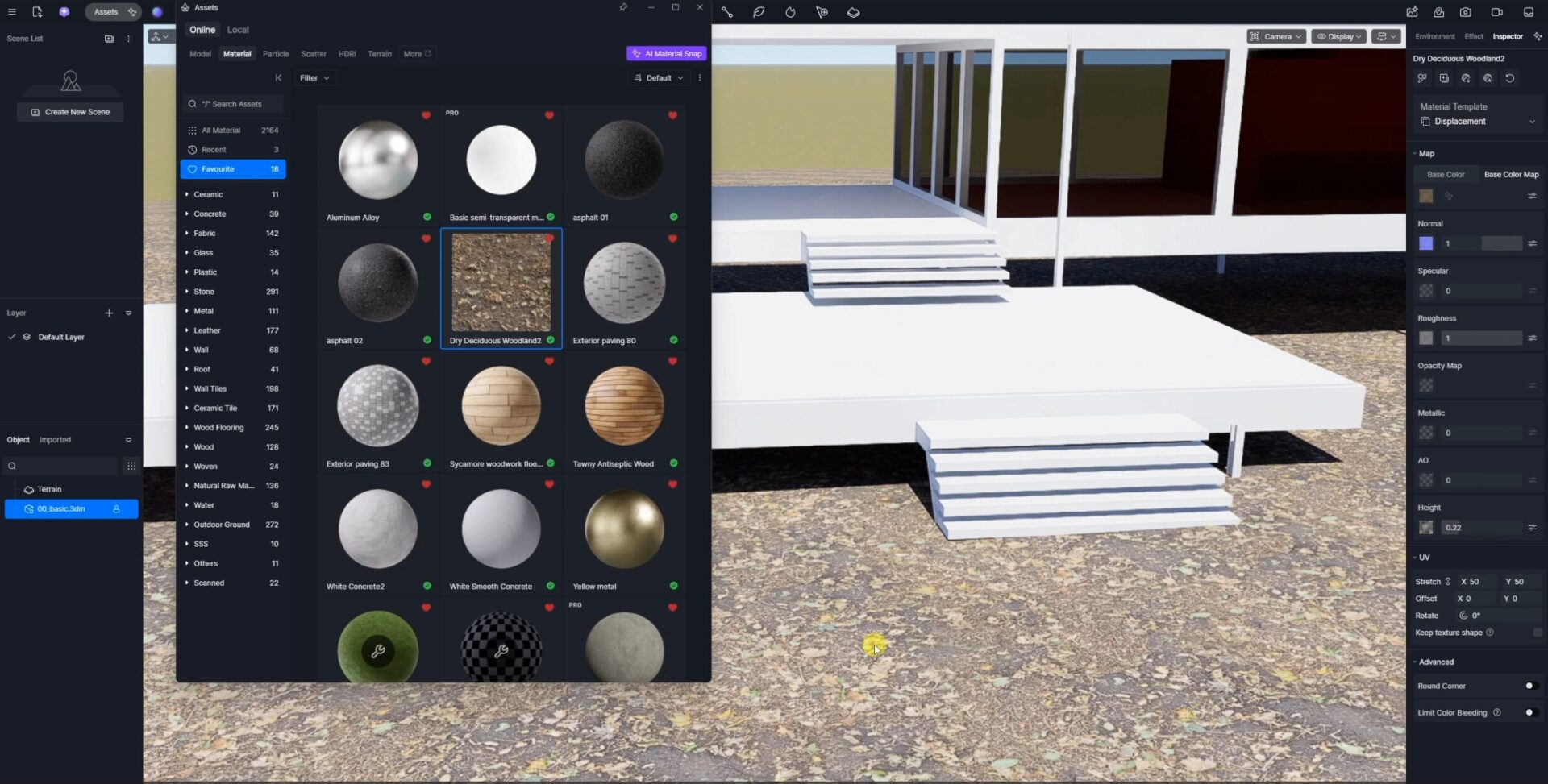
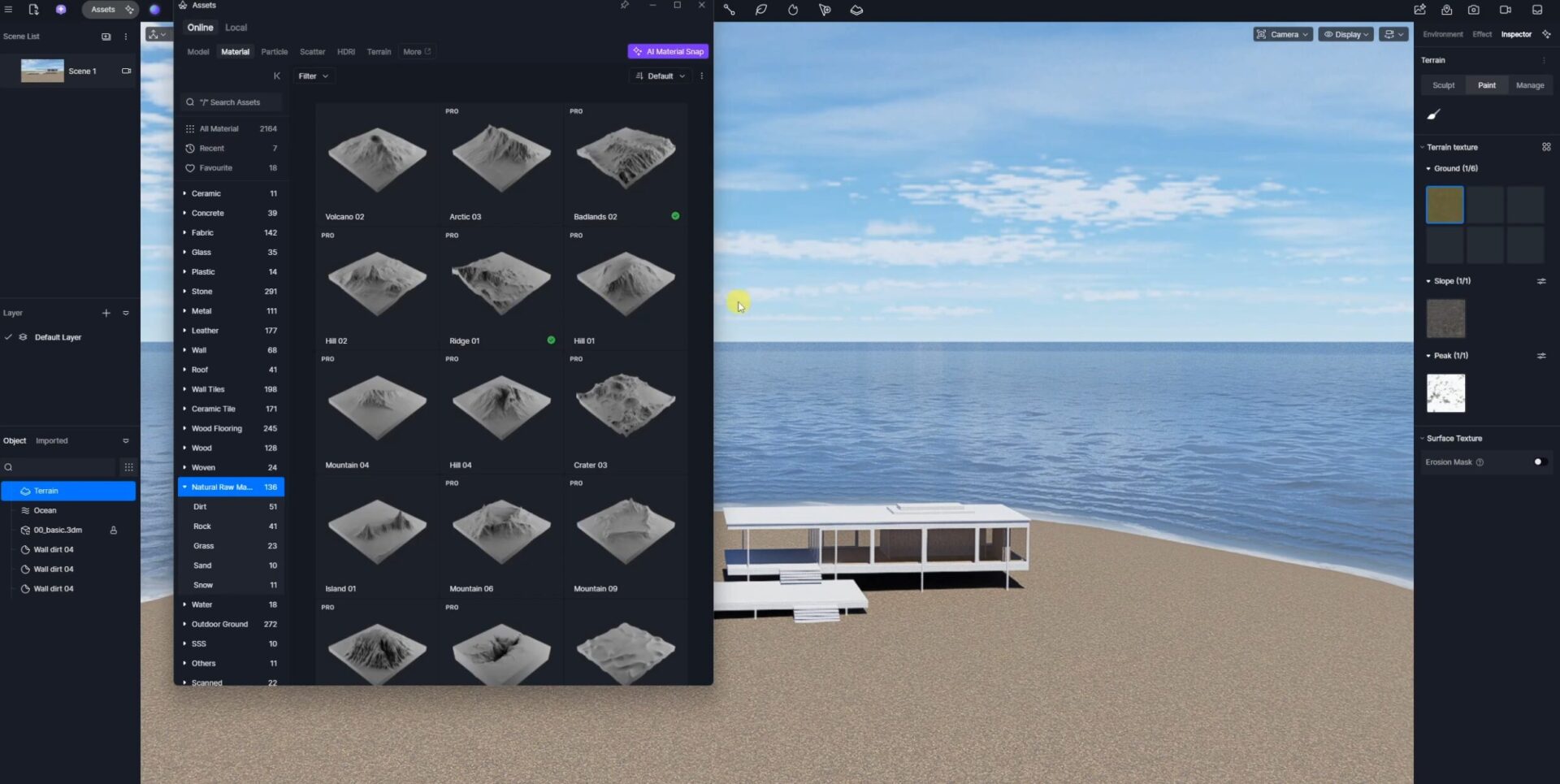
Rhino와 SketchUp에서 불러오는 방법부터 재질 정리, 카메라 설정, 조명 설계, 최종 렌더 뿐만 아니라 애니메이션을 적용한 영상 작업까지 실제 작업 흐름을 기준으로 구성했습니다.

D5의 기본 조작법뿐 아니라, 왜 이런 설정을 사용하는지에 대한 이유도 함께 설명합니다.
FOV와 카메라 높이, Attenuation Radius와 Barn Door 같은 조명 개념을 이해하면 결과의 차이가 달라집니다.

또한 재질 복사와 공유 구조, Scatter와 식생 배치, 대공간을 고르게 밝히는 방법처럼 작업중 자주 부딪히는 부분들을 정리했습니다. ‘깔끔하지만 어색한 렌더’를 벗어나는 방법도 함께 다룹니다.

이 강의는 화려한 트릭보다는 안정적인 워크플로우에 집중합니다.
같은 모델이라도 설정 하나로 분위기가 어떻게 달라지는지 직접 확인할 수 있습니다.

처음 D5를 시작하는 분에게는 전체 구조를 잡는 강의가 되고, 이미 사용 중인 분에게는 작업 방식을 정리하는 기준이 될 것입니다.
Course overview
Key skills you will learn

D5 Render 렌더링 워크플로우 – 3D모델을 이미지로 완성하는 과정

모델링을 현실감 있는 렌더 이미지로 완성하는 전체 과정을 정리한 튜토리얼입니다. 다양한 실습과제를 통해 D5 를 빠르게 익히실 수 있습니다.
모델링은 할 수 있지만, 렌더 결과가 늘 아쉽게 느껴지셨던 분
D5를 사용하고 있지만 작업 흐름이 정리되지 않았다고 느끼는 분
기능 설명이 아니라 “왜 그렇게 설정하는지”를 알고 싶은 분
실무에 바로 적용 가능한 안정적인 렌더링 기준을 찾는 분
화려한 효과보다 자연스럽고 완성도 있는 이미지를 만들고 싶은 분
모델링은 할 수 있지만, 렌더 결과가 늘 아쉽게 느껴지셨던 분
D5를 사용하고 있지만 작업 흐름이 정리되지 않았다고 느끼는 분
기능 설명이 아니라 “왜 그렇게 설정하는지”를 알고 싶은 분
실무에 바로 적용 가능한 안정적인 렌더링 기준을 찾는 분
화려한 효과보다 자연스럽고 완성도 있는 이미지를 만들고 싶은 분

What you will need

Get these ready!

Rendering

You only need one of these two rendering applications.

D5 Render

A real-time visualization tool for previewing and rendering scenes.

Official website
* D5 3.0 이상 버전으로 수강을 추천드립니다.
* 모델링 프로그램 스케치업 / 라이노 사용자 모두 수강가능합니다.

Included materials

What materials are included?

Course summary notes

A concise reference to review key concepts and workflow steps.
Practice source files

Open the scenes and resources from the course and follow along.

Project templates

Ready-to-use templates to reduce repetitive work in your own projects.

Completed example files

Compare your work with finished examples to check your modeling, rendering, and editing.

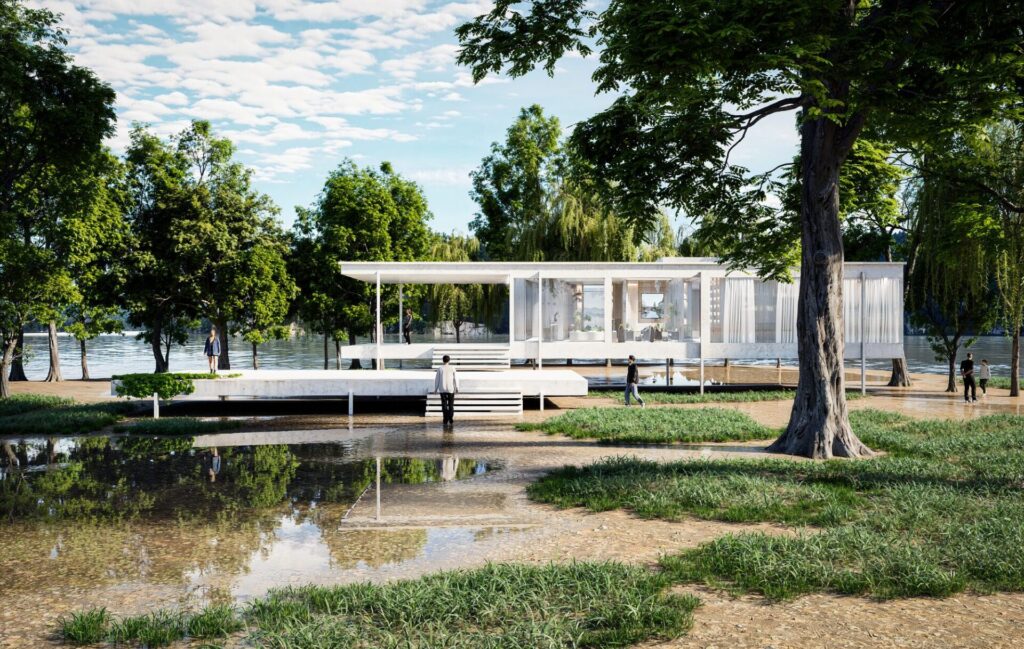
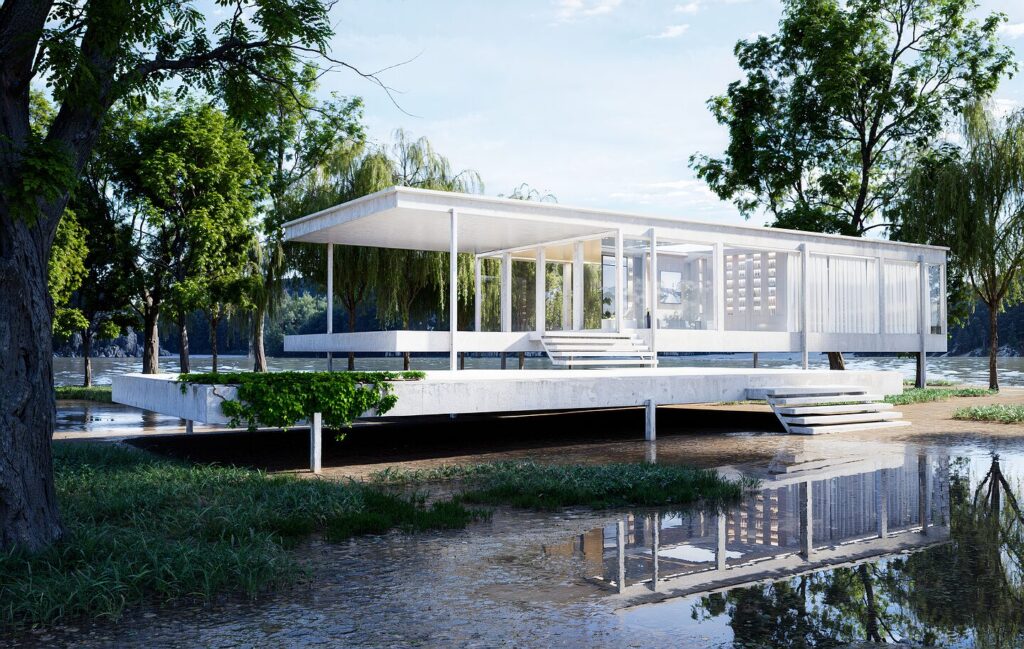
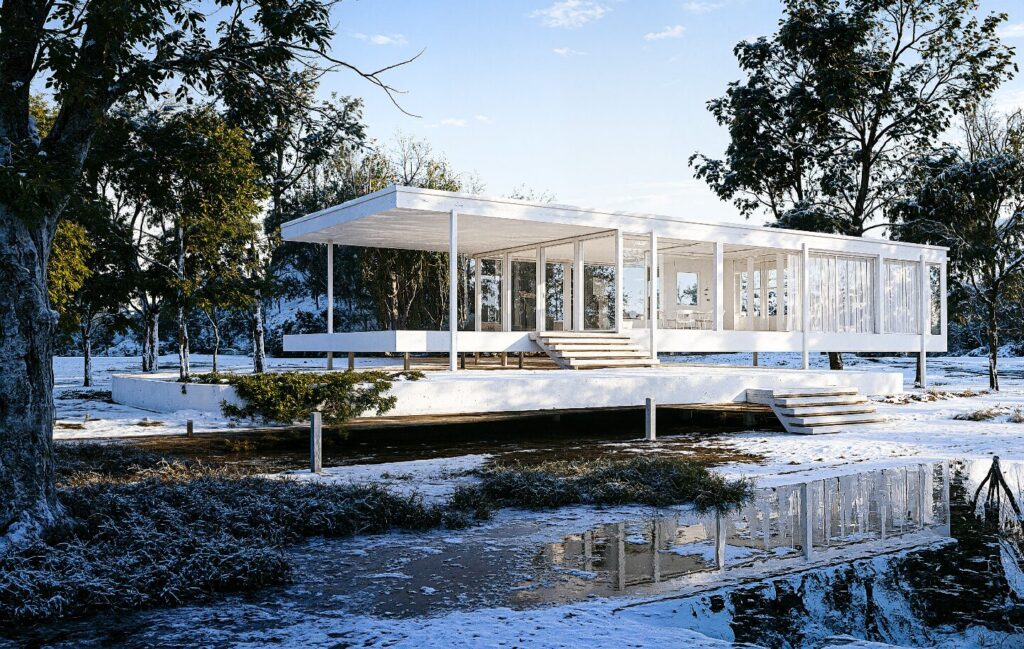
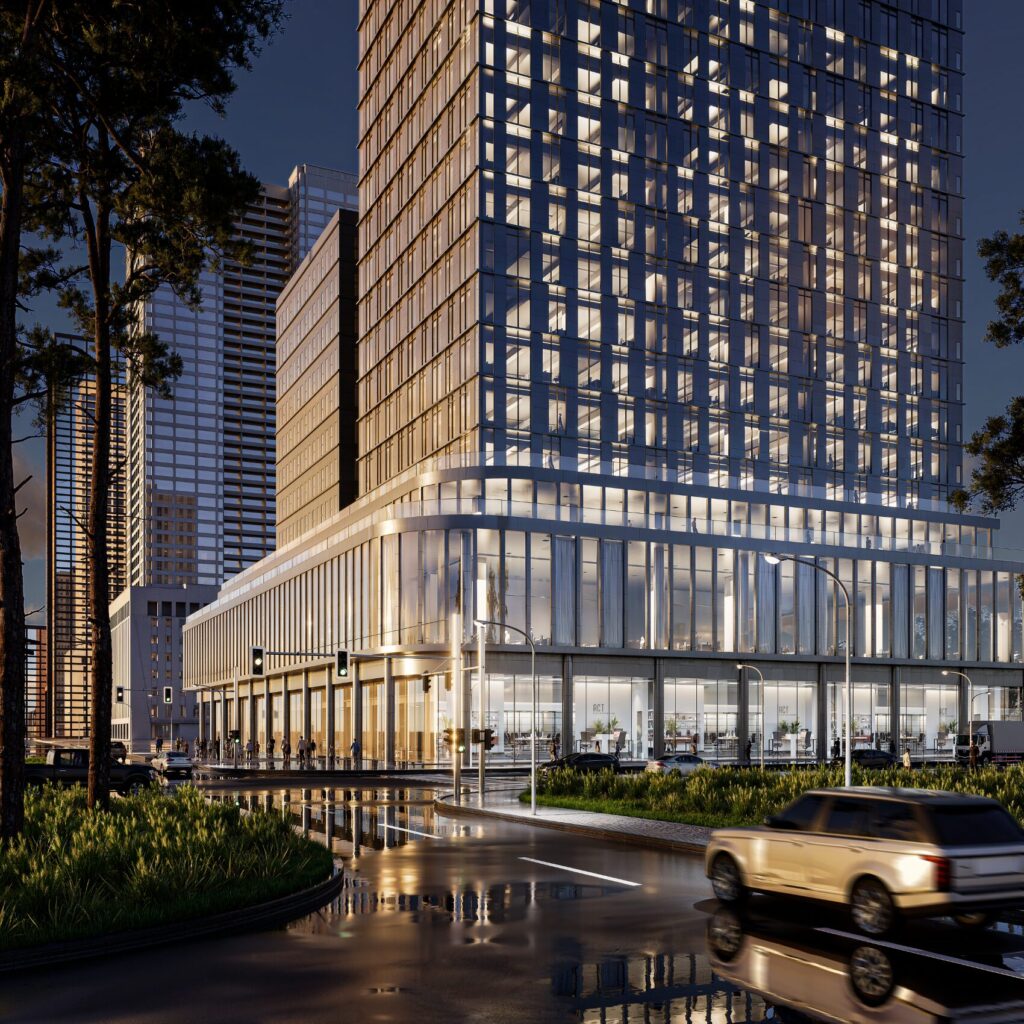
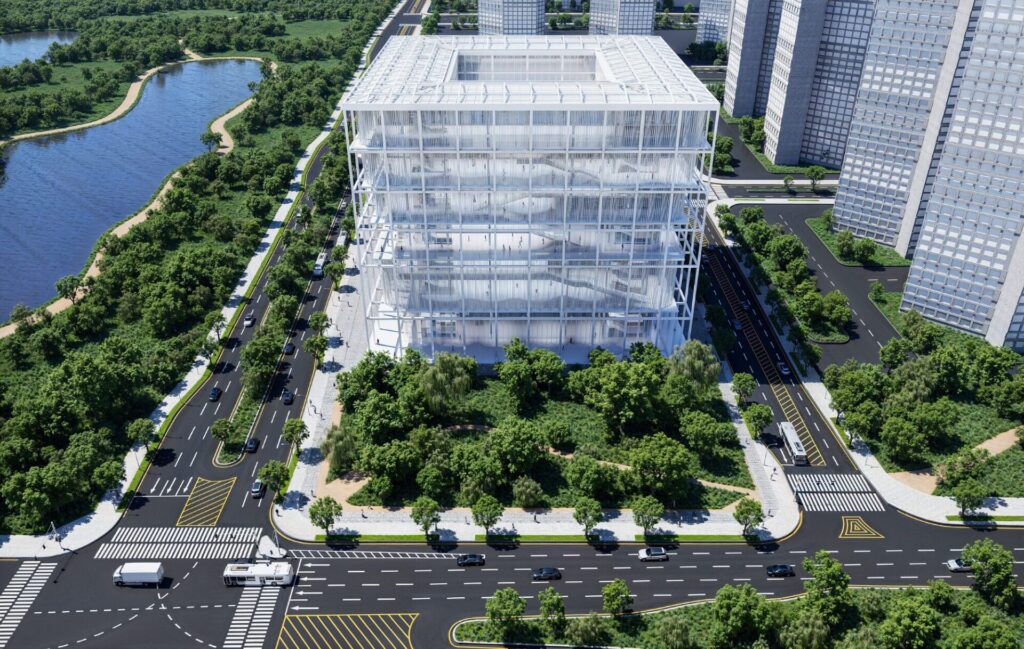
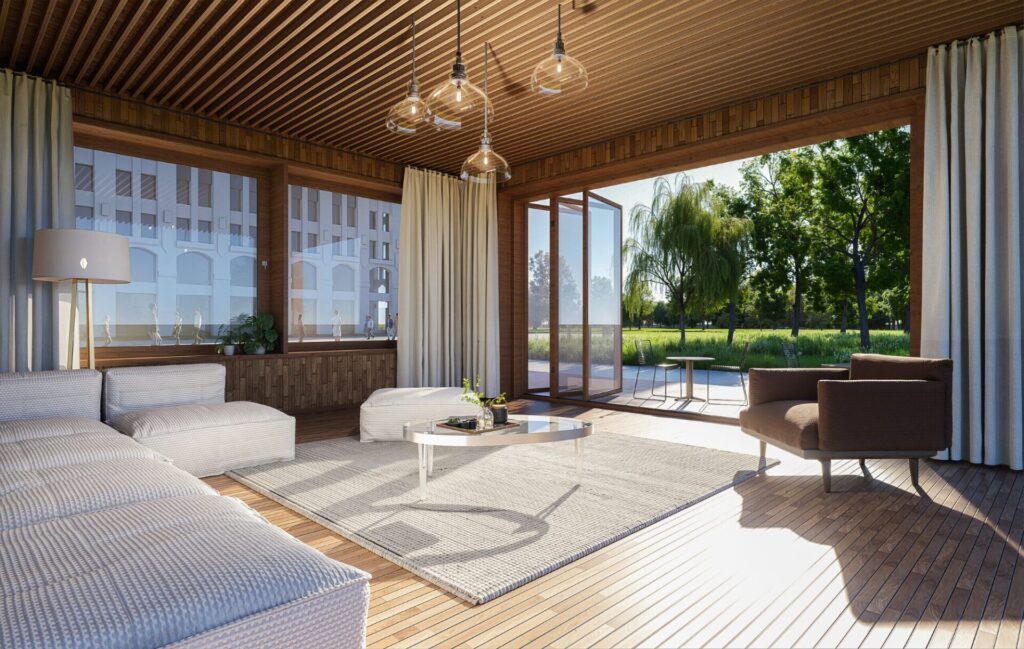
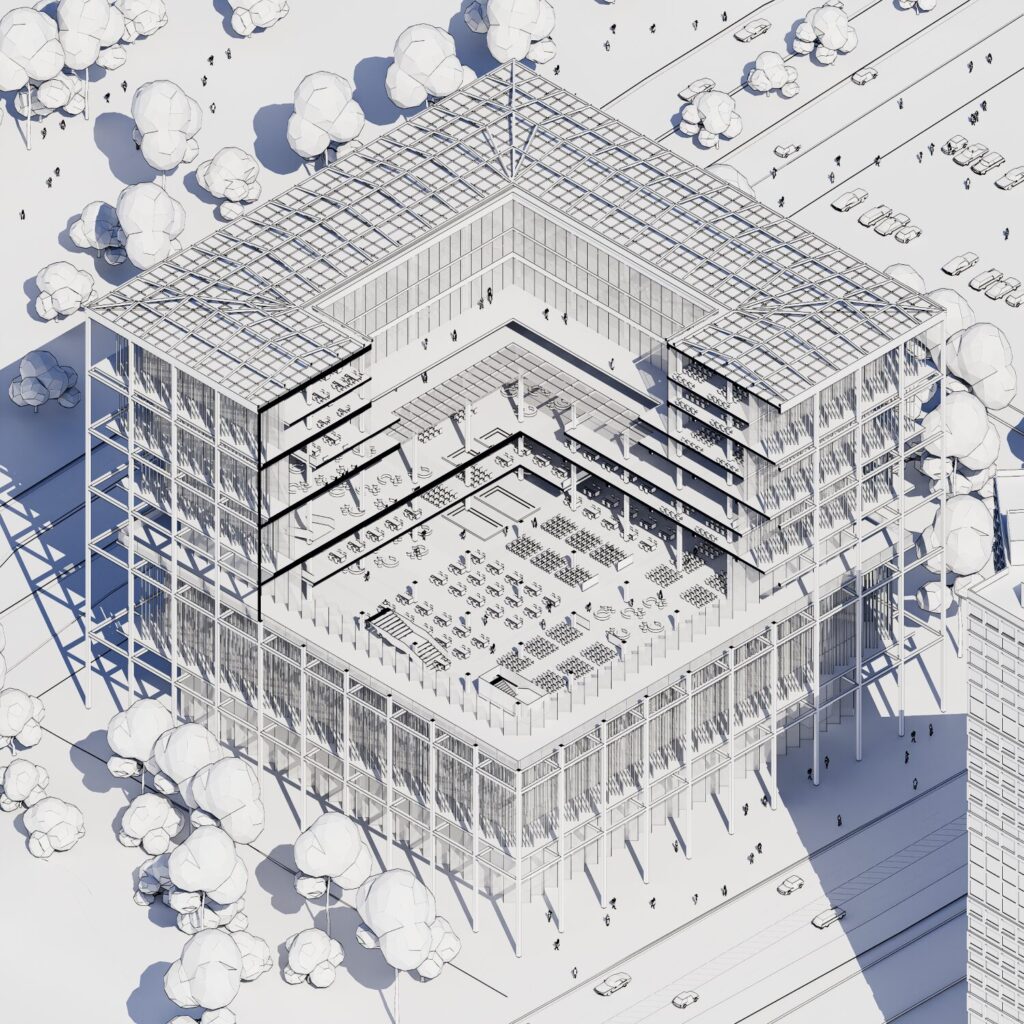
Course examples

Here is what you will create.

Course curriculum

What will you learn?

Part.0 - D5 Tutorial
Lessons: 8 Total: 01h 33m
Chapter 01
강의&강사 소개
D5 를 사용하는 이유
Chapter 02
모델링 내보내기
D5 다운로드
Rhino 에서 내보내기
Sketchup 에서 내보내기
Chapter 03
D5 세팅 튜토리얼 01
화면 이동 및 조작법
카메라
Chapter 04
D5 세팅 튜토리얼 02
재질
지형
조명
Chapter 05
D5 세팅 튜토리얼 03
환경
씬
Chapter 06
D5 세팅 튜토리얼 04
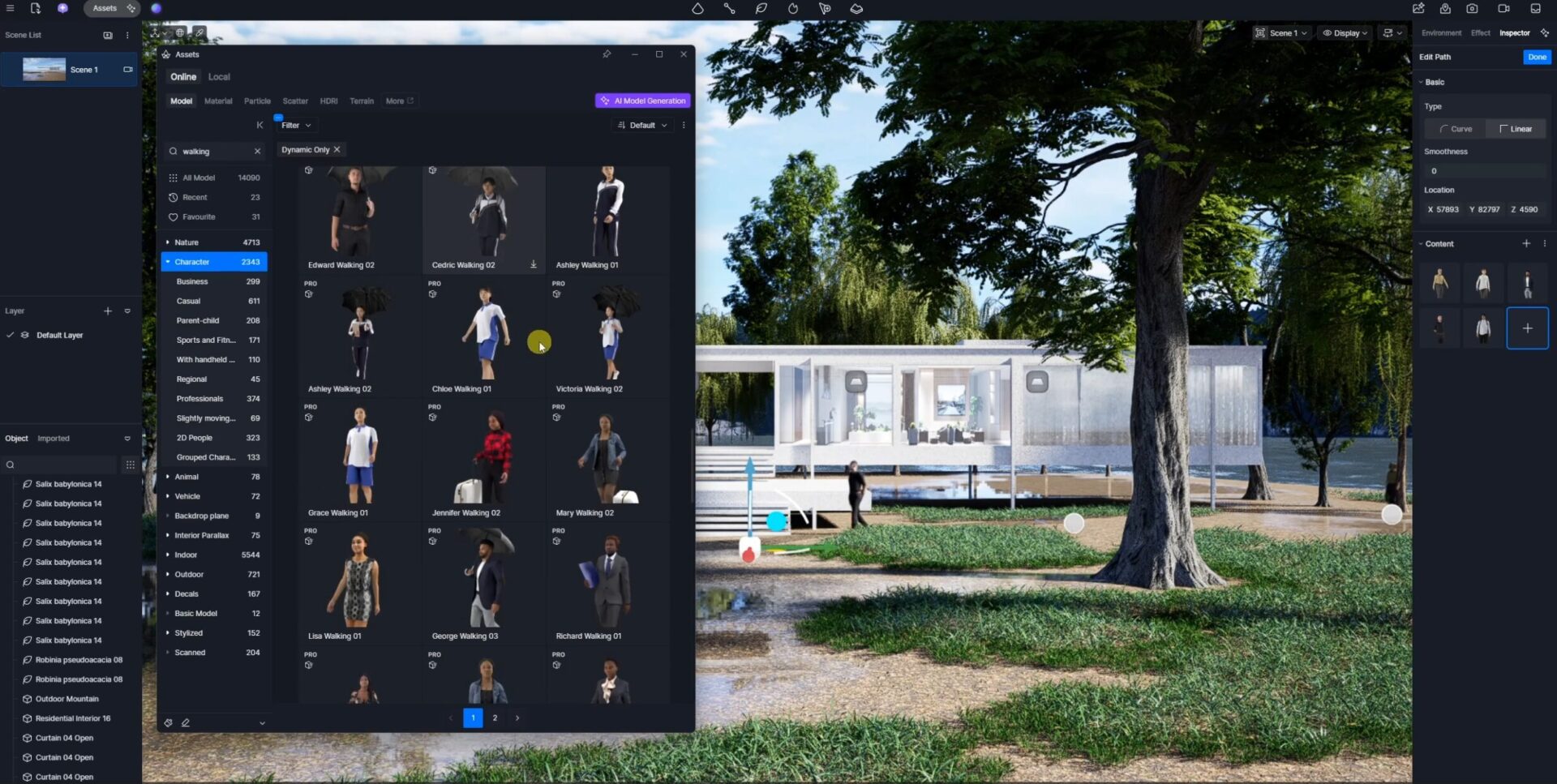
에셋
Chapter 07
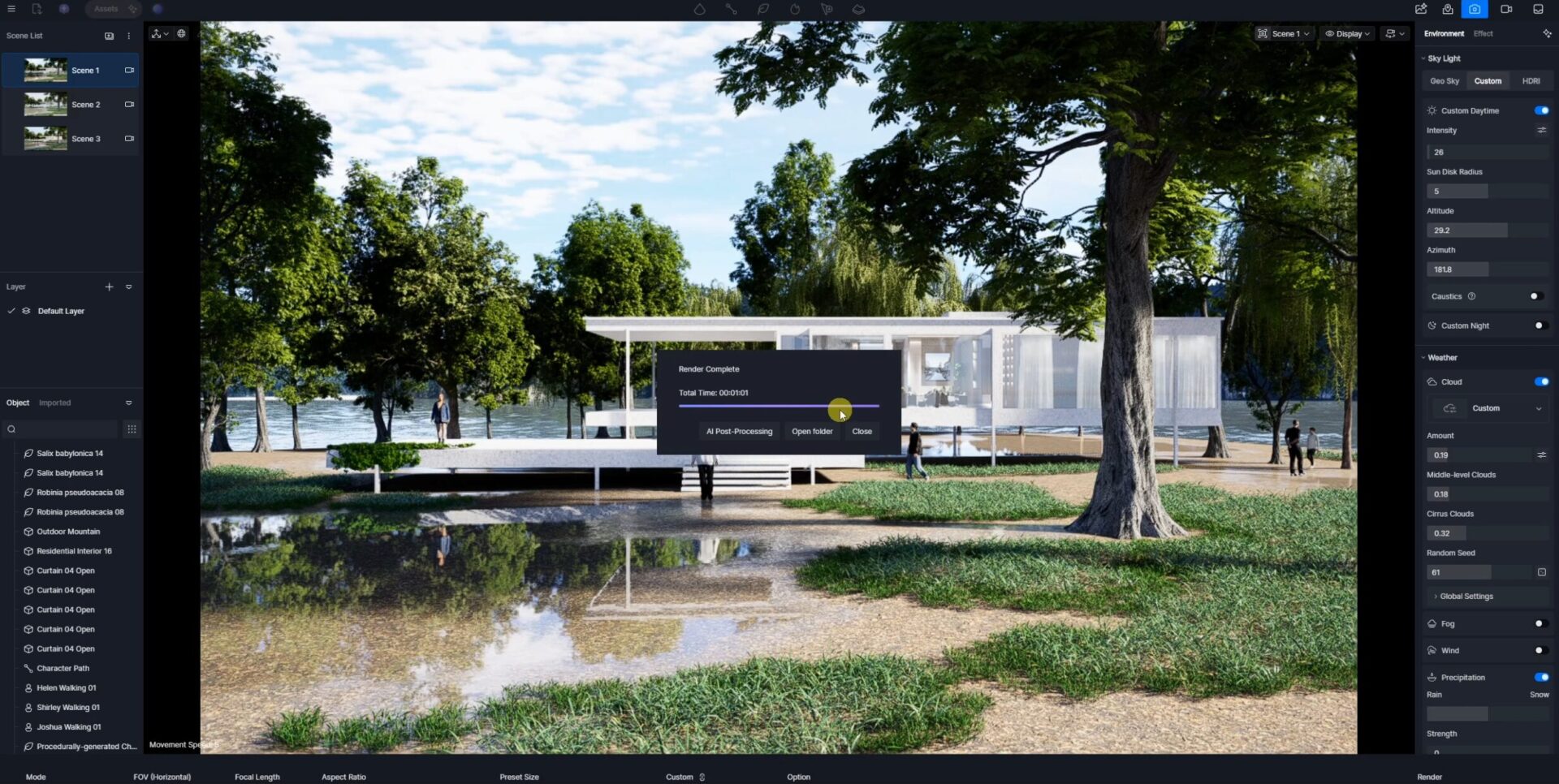
렌더링
이미지 렌더링
영상 렌더링
Part.0
Lesson 1DR-01 Introduction09:28
Lesson 2DR-02 Exporting 3D models (Rhino, Sketchup)09:27
Lesson 3DR-03 Setting – Control, Camera12:17
Lesson 4DR-04 Setting – Material, Terrain, Light23:11
Lesson 5DR-05 Setting – Environment, Scene09:11
Lesson 6DR-06 Setting – Assets22:45
Lesson 7DR-07 Final Rendering07:12
Lesson 8DR-08 Video Rendering
Chapter 01
Case study 01
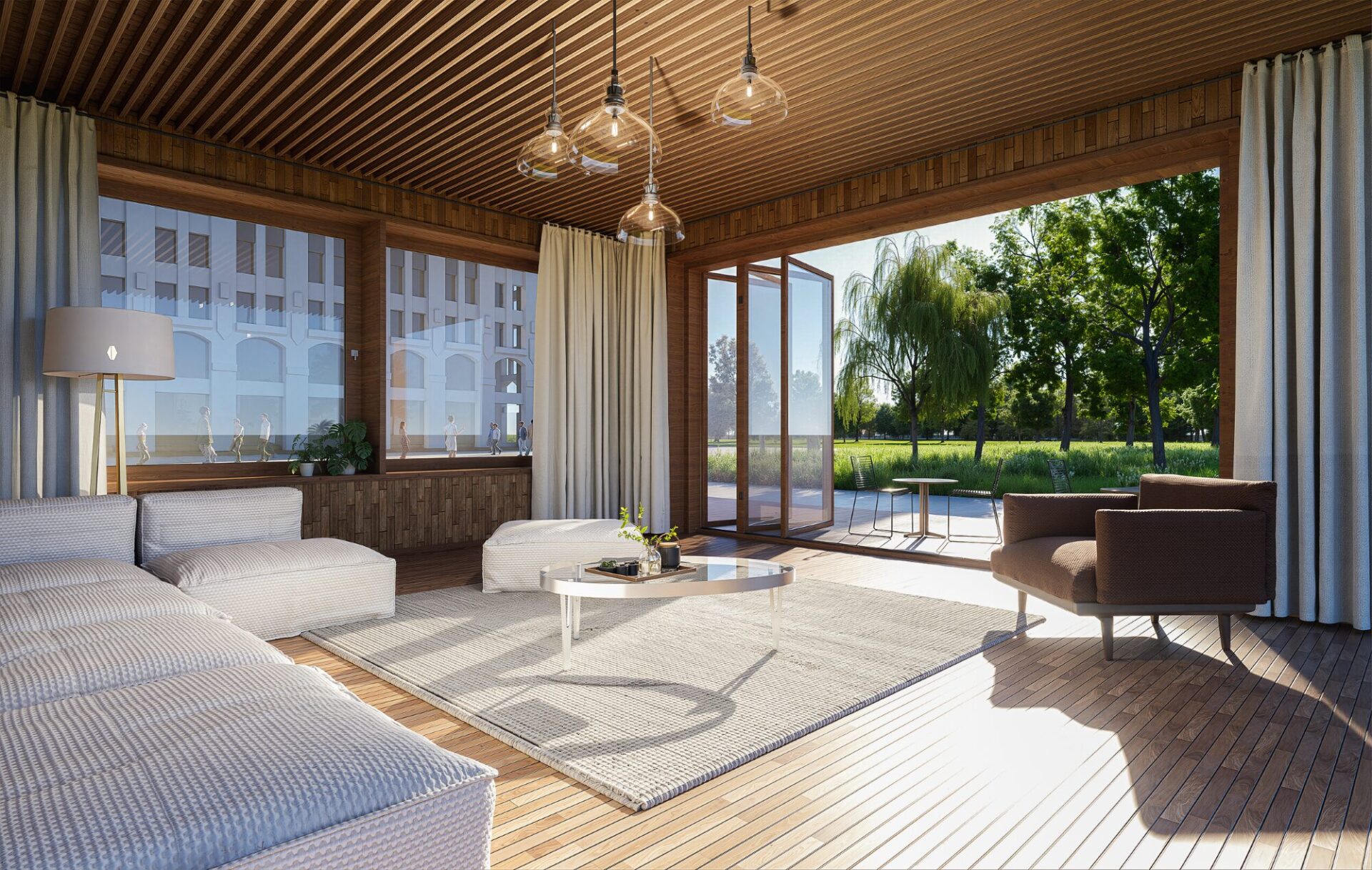
인테리어 렌더링
- 화면, 환경 설정
- True displacement 설정
- 재질, 조명 설정
- 에셋, 효과 설정
Chapter 02
Case study 02-1
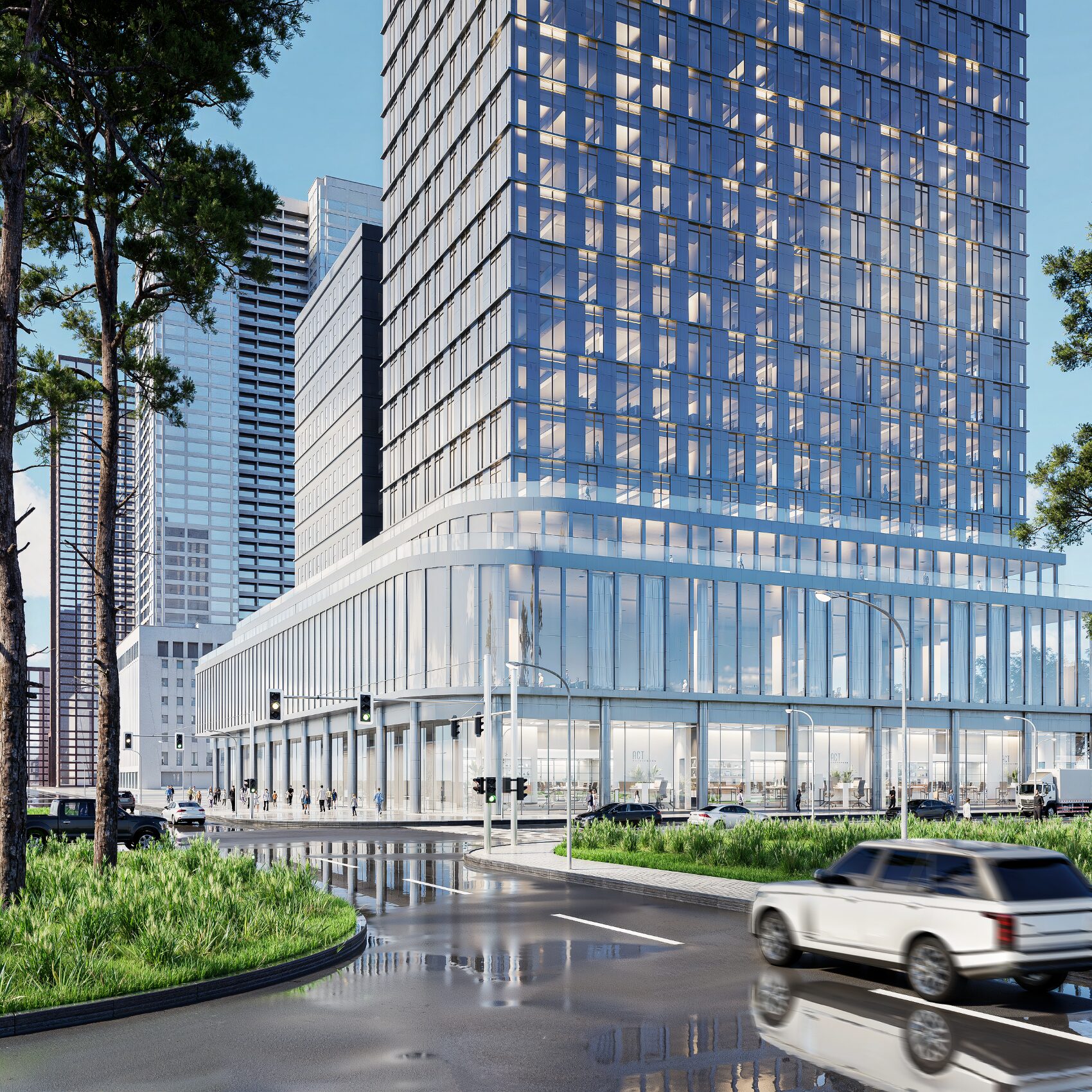
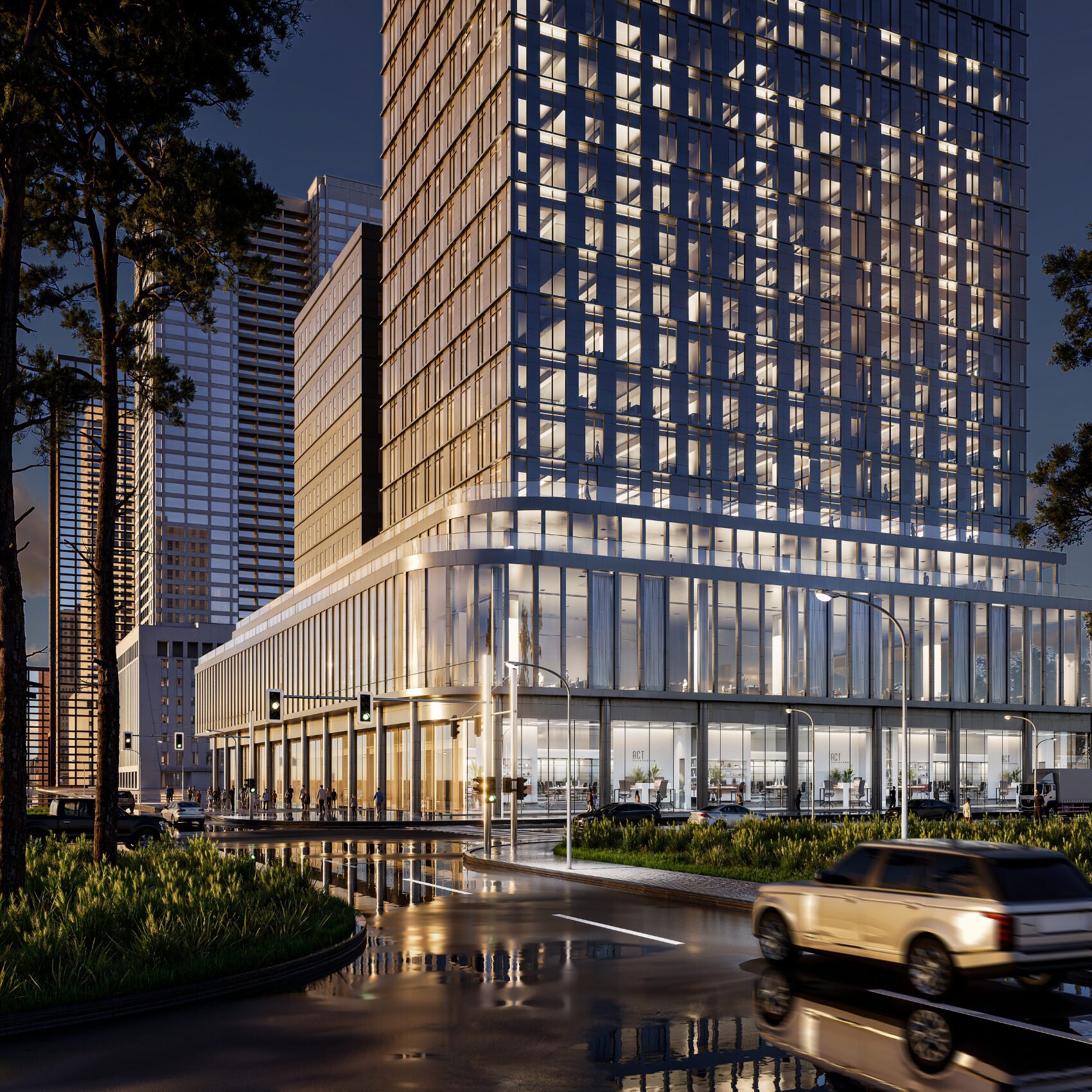
외부 렌더링
- 화면, 환경 설정
- 재질, 조명 설정
- 에셋, 효과 설정
- 영상 설정
Chapter 03
Case study 02-2
외부 렌더링 야경
- 환경, 조명 설정
- 영상 설정
Chapter 04
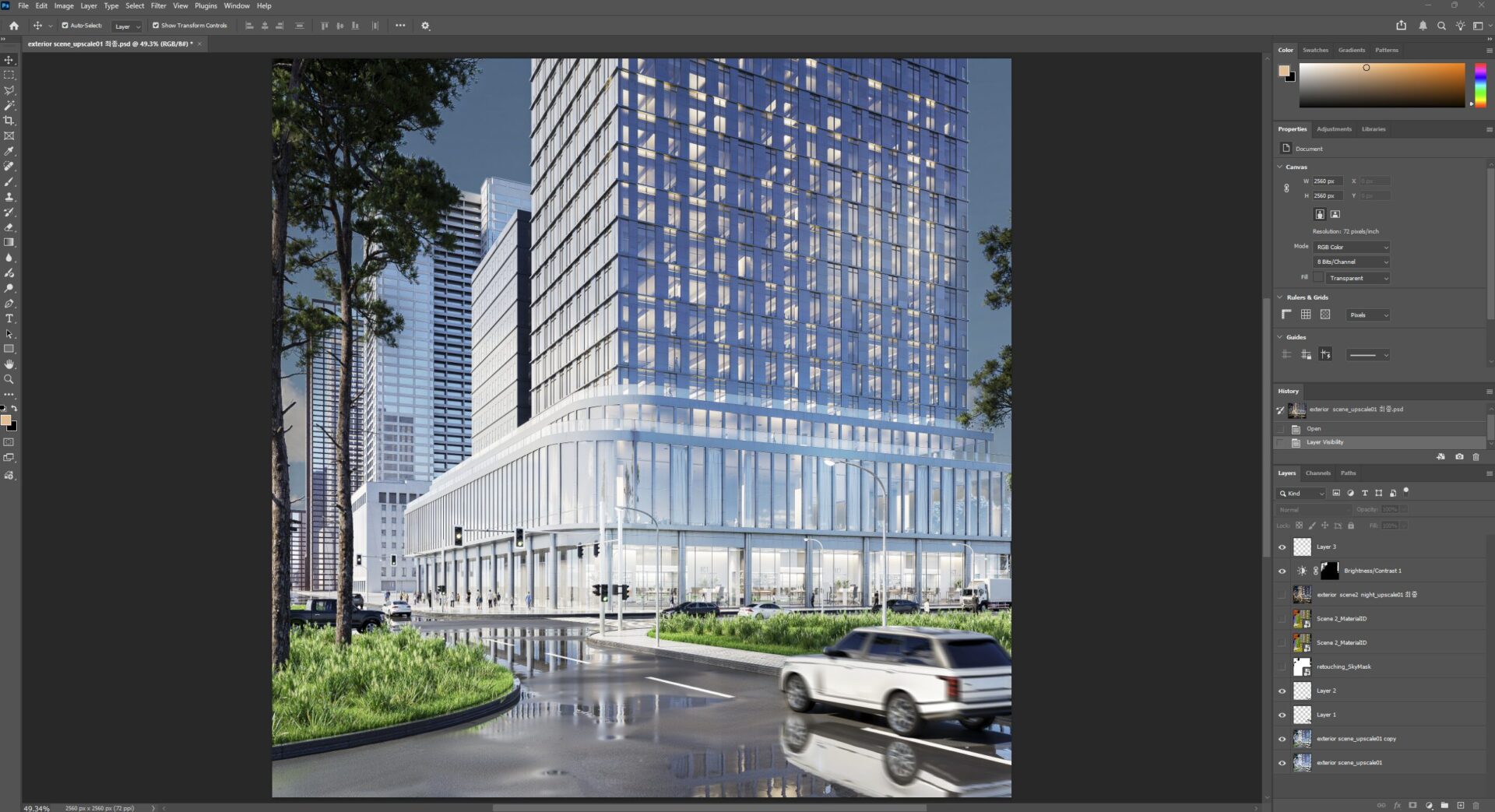
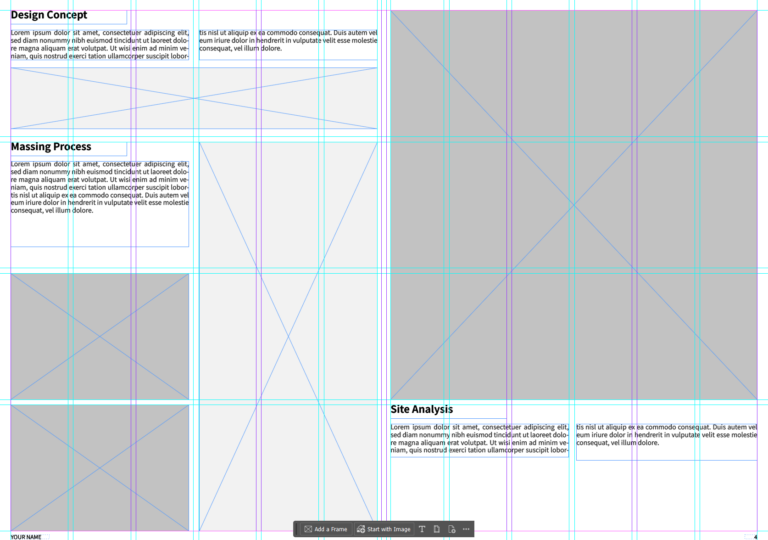
Photoshop 리터칭
포토샵 리터칭
-Material ID 활용
Chapter 05
Case study 03
조감도 렌더링
- 화면, 환경 설정
- 재질, 조명 설정
- 에셋, 효과 설정
- 영상 설정
Chapter 06
Case study 04
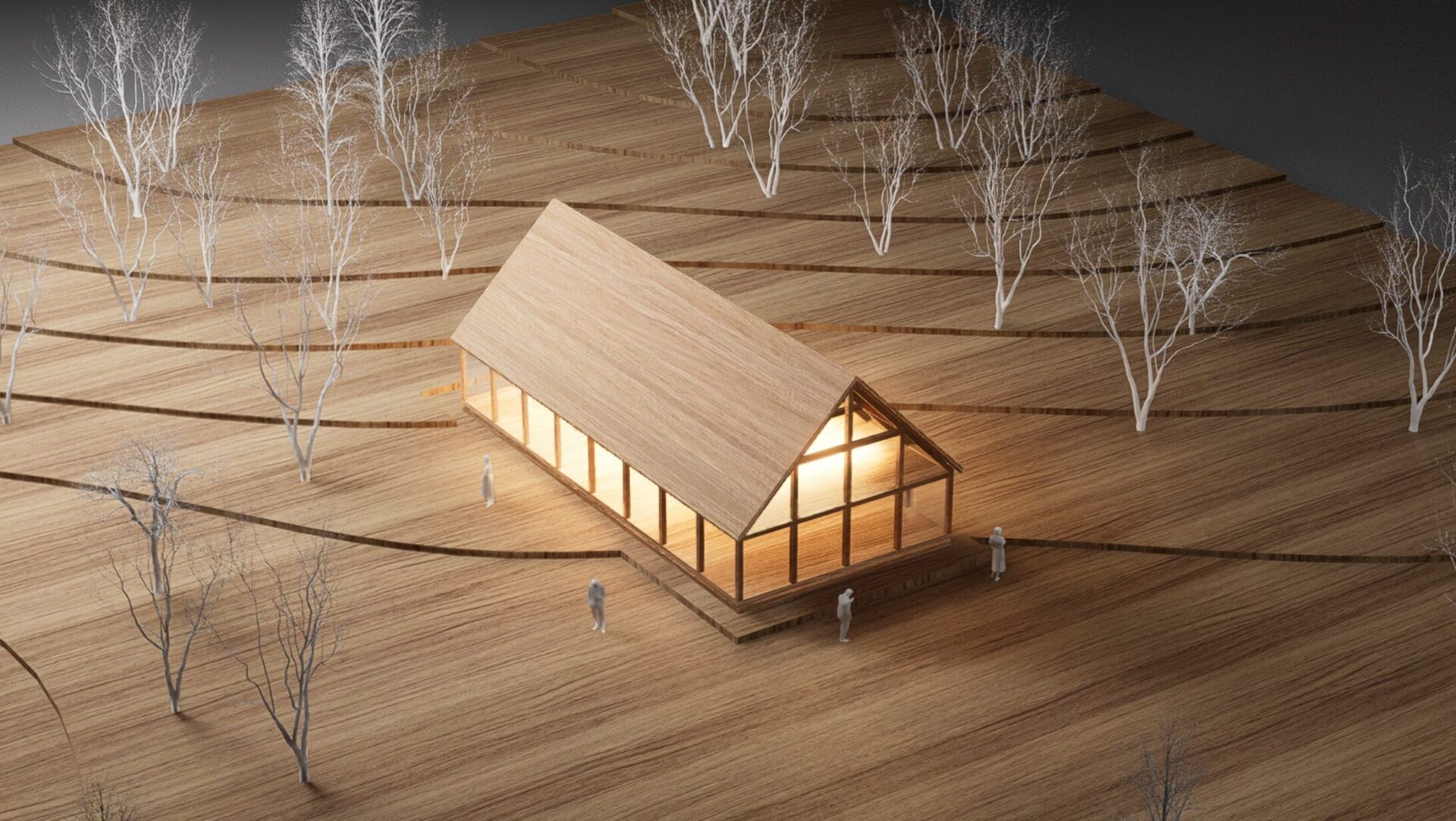
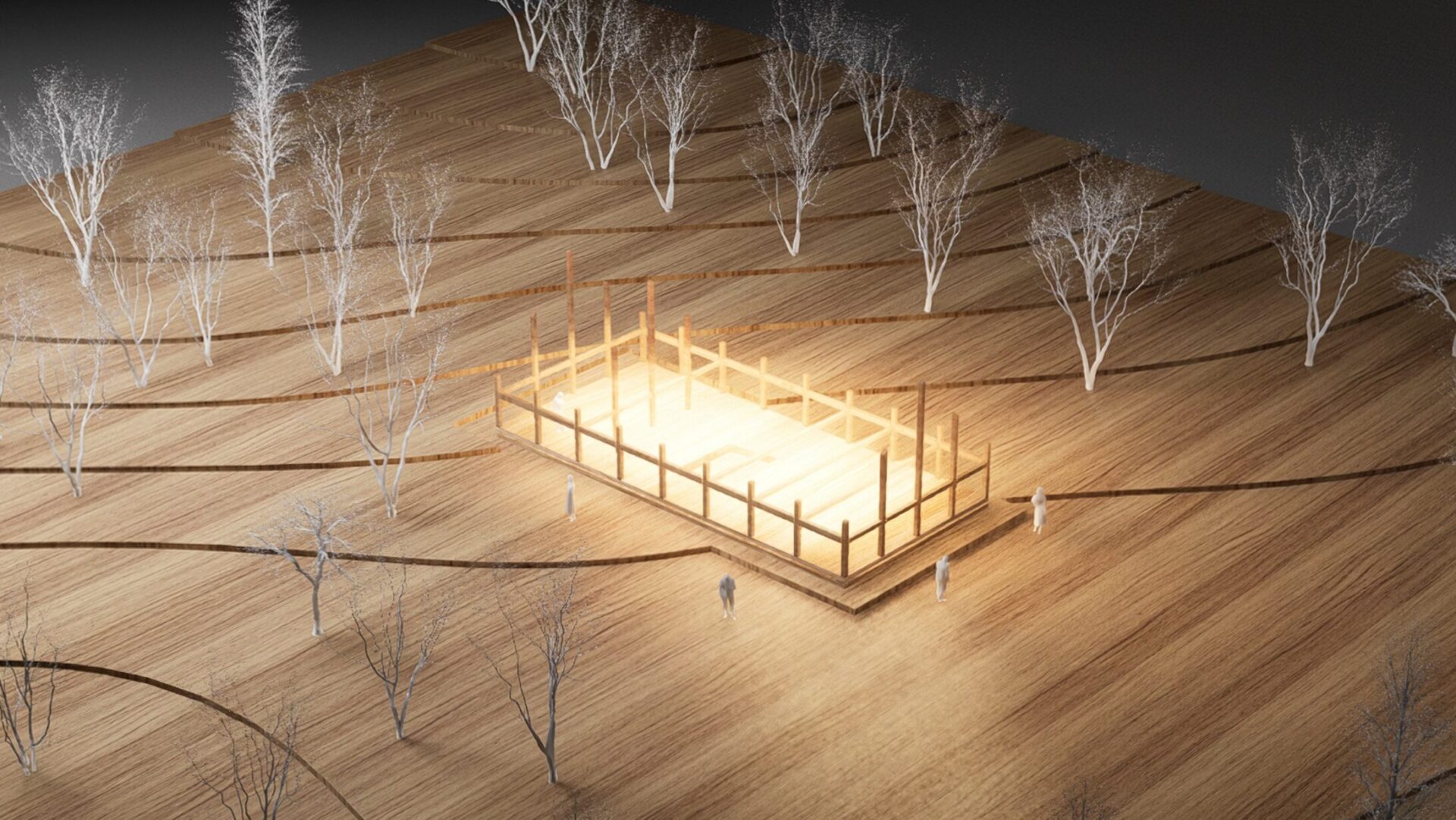
모형처럼 렌더링하기
- 재질, 조명 설정
Chapter 07
Case study 04
애니메이션 렌더링
- 영상용 모델링 내보내기 (라이노, 스케치업)
- 애니메이션 설정
Chapter 08
Case study 05
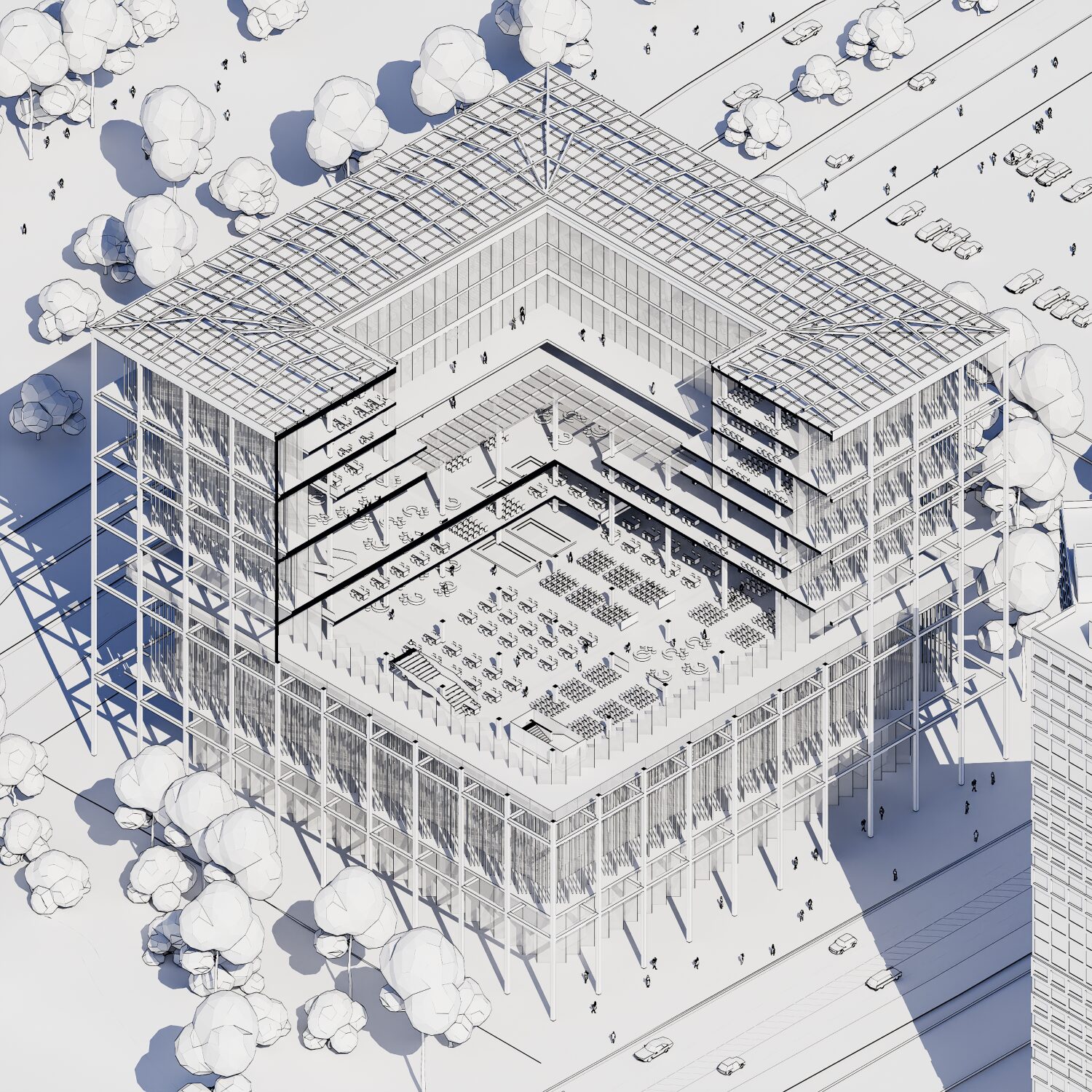
단면 + 다이어그램 렌더링
Part.1
Lesson 1DR-09 Interior – Scene, Material17:19
Lesson 2DR-10 True displacement06:59
Lesson 3DR-11 Assets 01 -Nature11:00
Lesson 4DR-12 Assets 0210:43
Lesson 5DR-13 Interior Rendering06:43
Lesson 6DR-14 Exerior – Environment, Scene08:03
Lesson 7DR-15 Material setting07:26
Lesson 8DR-16 Assets 0115:18
Lesson 9DR-17 Assets 0209:46
Lesson 10DR-18 Light setting05:48
Lesson 11DR-19 Day & Night Scene Rendering09:03
Lesson 12DR-20 Photoshop Retouching08:52
Lesson 13DR-21 Aerial – Environment, Scene07:13
Lesson 14DR-22 Material Setting08:56
Lesson 15DR-23 Assets 01 – Nature08:23
Lesson 16DR-24 Assets 02 – People, Vehicle08:24
Lesson 17DR-25 Light setting06:14
Lesson 18DR-26 Aerial rendering04:46
Lesson 19DR-27 Modeling Export for Animation08:25
Lesson 20DR-28 Animation Rendering17:08
Lesson 21DR-29 Section + Diagram Rendering16:50
Lesson 22DR-30 Closing & Q&A00:40
추가 영상
Lesson 23D5 + AI 기능 정리15:18

김석현 리더: profile

Profile
김석현 리더님은 10여개의 공모전 수상경력이 있고 건축 비쥬얼라이제이션 프리랜서로 일하고 있으며, Columbia 대학에서 건축 석사 졸업 후 현재 세계 최대 규모의 설계회사 Gensler(겐슬러) 에서 디자이너로 재직중인 스터디리더입니다. 이 강의에서 리더님의 다양한 노하우를 통한 포트폴리오와 패널제작에 사용되는 다양한 렌더링 표현법을 배우실 수 있습니다.

Experience & Achievements

  • 성균관대 건축학과 졸업
  • Columbia M.S.AAD 졸업
  • 필디스터디 리더 (2018-)
  • LG 디스플레이 , L건축, H 아뜰리에 등 협업 CG 전문가 (2018-)
  • feeeld CCO
  • Gensler Designer (2022-)
  • 2017_ SAN 뮤지엄 파빌리온 시공 당선작
  • 경기도 건축문화상 동상
  • 2018_ 초고층도시건축 공모전 대상
  • 한국리모델링 건축대전 우수상
  • 2020_ 포스트 코로나 국제공모전 최우수상
  • 2022_ Iceland Lake Myvatn Community House _Honorable Mention
  • 외 5건​

Course instructor

Explore
김석현 리더’s portfolio.

Course preview

Course reviews

Reviews of “D5 마스터 [NEW]”

중구
중구****
2026-08-30 Verified review
많은 도움이 되었습니다.
윤창
윤창****
2026-08-25 Verified review
짧은 시간 안에 디테일한 D5 사용법을 알 수 있어서 너무 만족했습니다! 강의를 듣고 난 후 수많은 시행착오들과 오류와 실수하는 단계를 스킵하고 바로 완성도 높은 렌더를 뽑는 과정을 세팅할 수 있다는 것이 이 강의의 장점인 것 같습니다. 시중에서 볼 수 없는 전문성 있는 내용도 있기에 기존에 D5를 사용하시는 분들도 수강하셔도 충분히 많이 얻어가실 것 같습니다!
김예
김예****
2026-08-24 Verified review
한줄 요약: 임팩트있게 강하다. 진짜 이 강의 들으면서 감탄했습니다. 군더더기 없이 깔끔하면서도 들어갈, 배워야할 내용은 온전히 다 들어있는 렌더 강의는 정말 오랜만이었습니다. 강의 길이는 총 4시간30? 안되는것 같은데 진짜 내용이 다들어있습니다. 타사이트의 강의를 수강해보기도 하였는데 진짜 그냥 렌더. 끝. 이었습니다. 근데 이 강의는 기본적인 세팅부터 외부, 실내, 조감도를 다 다루고 있고, 스카이마스크 등을 활용하여 포토샵에서 어떻게 후보정을 할 수 있는지. 또, 실사 모형같은 이미지를 뽑아낼 수 있는 렌더 설정법까지 진짜 필요한 스킬들만 짧고 굵게 모아둔 강의였습니다. 진짜 완전 추천합니다,,,이 강의 들으면서 d5가 이렇게 재밌는건지 알게되었습니다,,,,그리고 강의력이 좋으셔서 이 강사분의 다른 강의도 들어보고싶을 정도입니다 추천합니다
유민
유민****
2026-08-13 Verified review
렌더 작업을 하면서 어느정도는 쓸 수 있었지만, 예시사진처럼 완성도 있는 렌더링 이미지를 만들어내려면 어떡하지라고 생각했던 학생입니다. 이번 강의를 통해 여러 에셋들을 배치해서 그룹지어 로컬파일로 저장해서 다중 배치할 수 있는 것이나 등등 에셋이나 재질 선택 등 정말 건축렌더에서 꼭 필요한 것들만 집어서 강의해주셔서 너무 재미있고 5시간이 넘는 강의지만, 거의 일주일만에 다 들을정도로 재미있게 들었습니다! 또 영상 중간중간에 좋아요하신 재질들도 저도 따라서 좋아요 했습니다 ㅎㅎㅎㅎ 짧은시간안에 완성도 있는 렌더 이미지를 만들 수 있어서 너무 좋았습니다!!!
김아
김아****
2026-03-22 Verified review
요즘 렌더링 툴은 너무 많고 어떤걸 쓸지 솔직히 잘 모르겠어서 일단 D5가 좋다길래 배워보려고 구매했는데, 진짜 강추입니다...!! 초기 세팅부터 렌더링 까지 다 배울 수 있어서 엄청 도움이 된 것 같아요!! 강의도 짧아서, 마감 직전이라도 다 듣고 마감하는거 강추...

This course is not available in this language.

View in Korean
Feeeldstudy course guide

Course access period

Start within 1 year of purchase and access the course for 60 days from your start date.

Refund policy

A full refund is available within 7 days of payment if you have viewed fewer than 3 lessons.

Request an extension

Contact support if you need an extension. Options depend on your purchase status.

This course is for the purchaser only. Account sharing or unauthorized recording or distribution may result in restricted access and legal liability.

Frequently asked questions

Key information about access periods, refunds, extensions, and using your course.

How long can I access a course?

You can start within 1 year of purchase and access the course for 60 days from your start date.

What is the refund policy?

You are eligible for a full refund within 7 days of payment if you have viewed fewer than 3 lessons.

Can I extend my access?

Contact support to request an extension. Options depend on your purchase status.

Can I ask the instructor questions?

You can ask questions and receive feedback through the course’s designated channel.

Can I purchase individual parts?

Choose only the parts you need. Review your selection in the purchase options.

Where can I find the course materials?

After purchase, you can find the materials on the learning page and in My Account.

What if the software is updated during my course?

Core workflows and guidance are updated as the learning environment evolves.

Can I take courses on mobile?

Videos and learning pages are available in supported browsers.